'%3e%3crect%20x='128'%20y='122'%20width='263'%20height='88'%20rx='36'%20fill='%232878ef'/%3e%3c/g%3e%3cg%20transform='rotate(7%20237%20258)'%3e%3crect%20x='128'%20y='215'%20width='216'%20height='82'%20rx='34'%20fill='%23f58220'/%3e%3c/g%3e%3cg%20transform='rotate(-5%20259%20350)'%3e%3crect%20x='128'%20y='304'%20width='264'%20height='88'%20rx='36'%20fill='%23ed438b'/%3e%3c/g%3e%3c/svg%3e)
Pin or duplicate a workflow
Pin the workflows you use most so they stay at the top of the Workflows sidebar, ready to run. Duplicate a workflow to change a copy and keep the original as it is.
Steps
Open Workflows
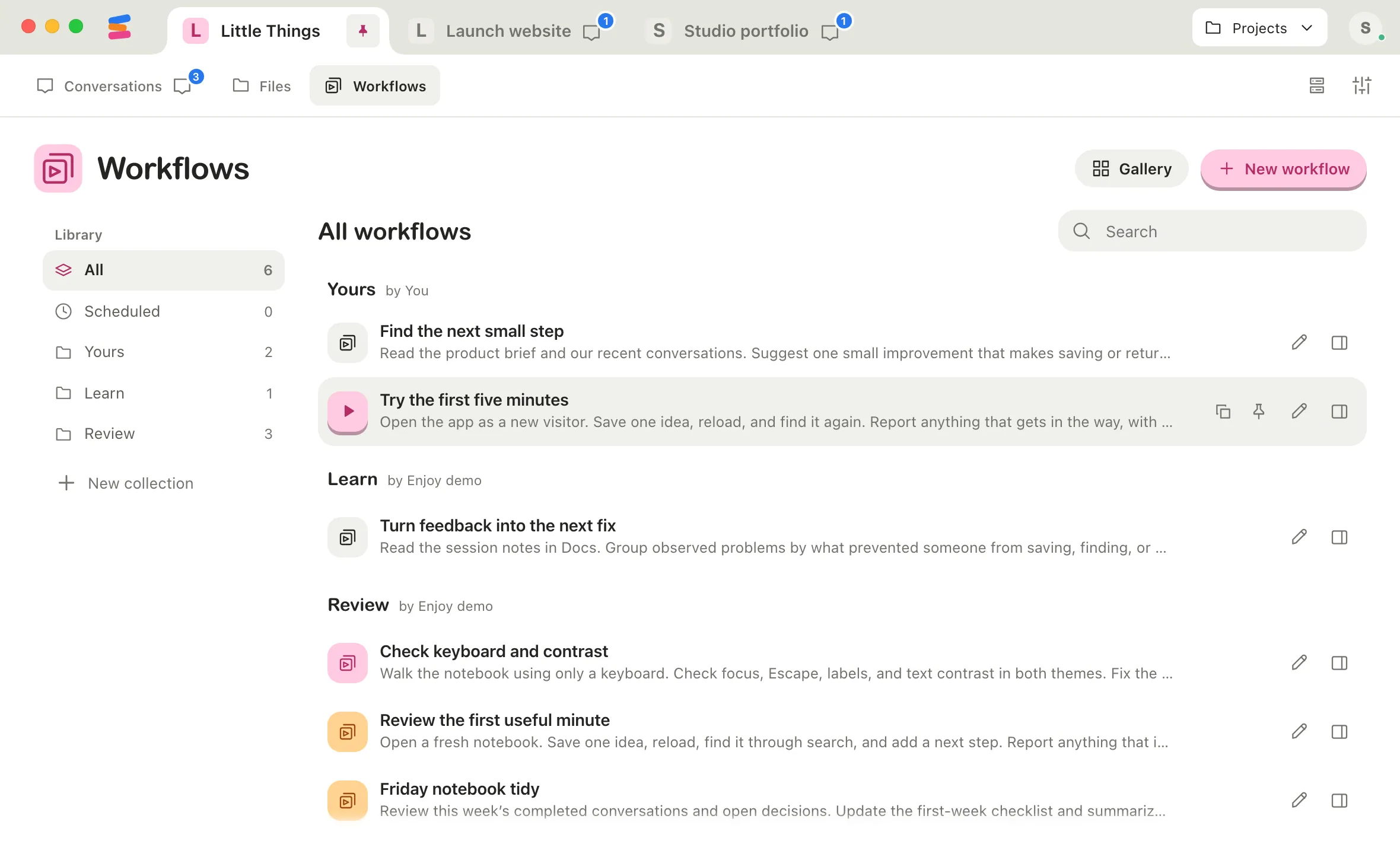
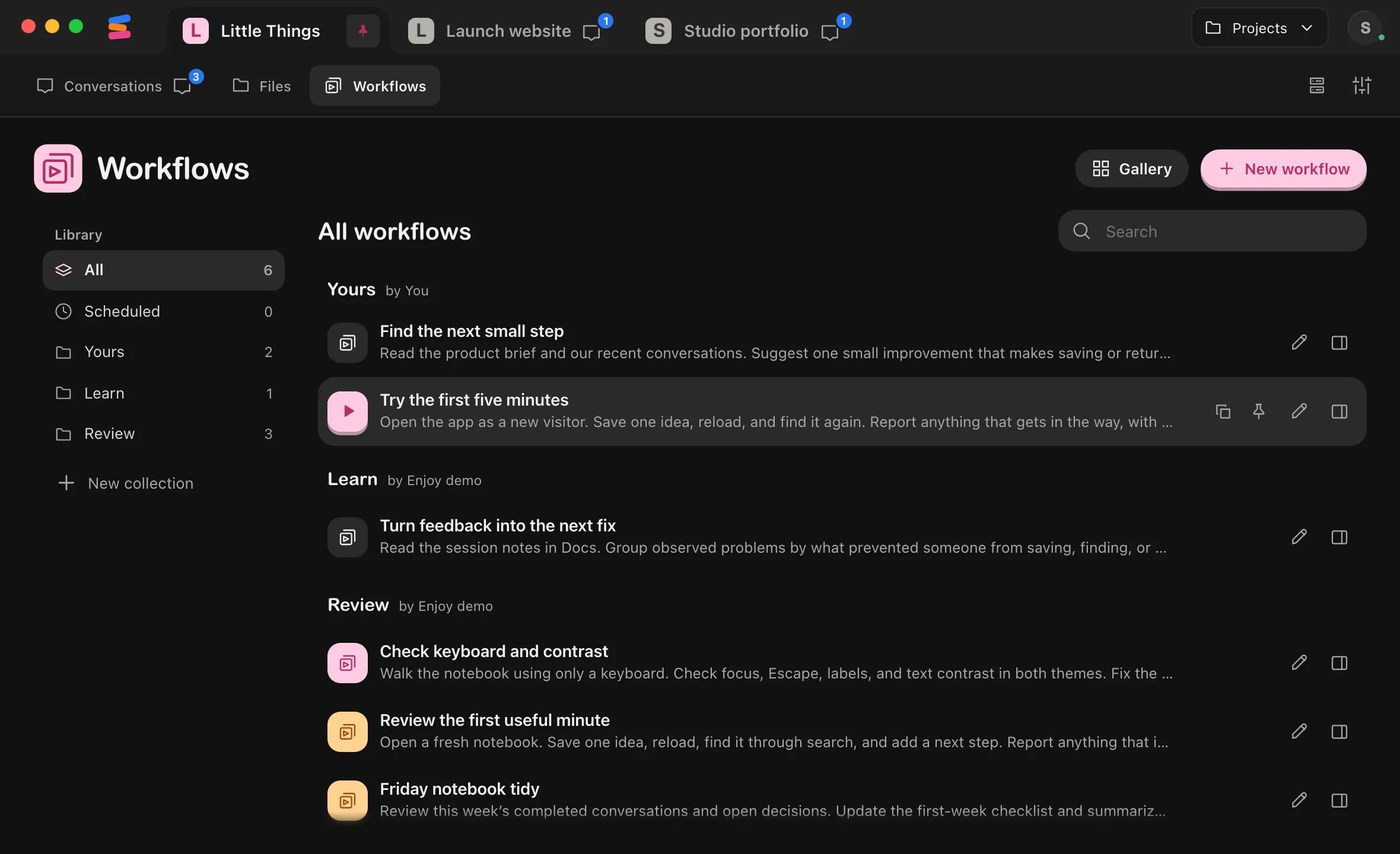
Select Workflows at the top of the project.
Select Pin
Point at the workflow’s row. Duplicate and Pin appear near its right end, before Edit (the pencil). Select Pin. You can also select the workflow’s name and select Pin at the top of its details.
Run it from the sidebar
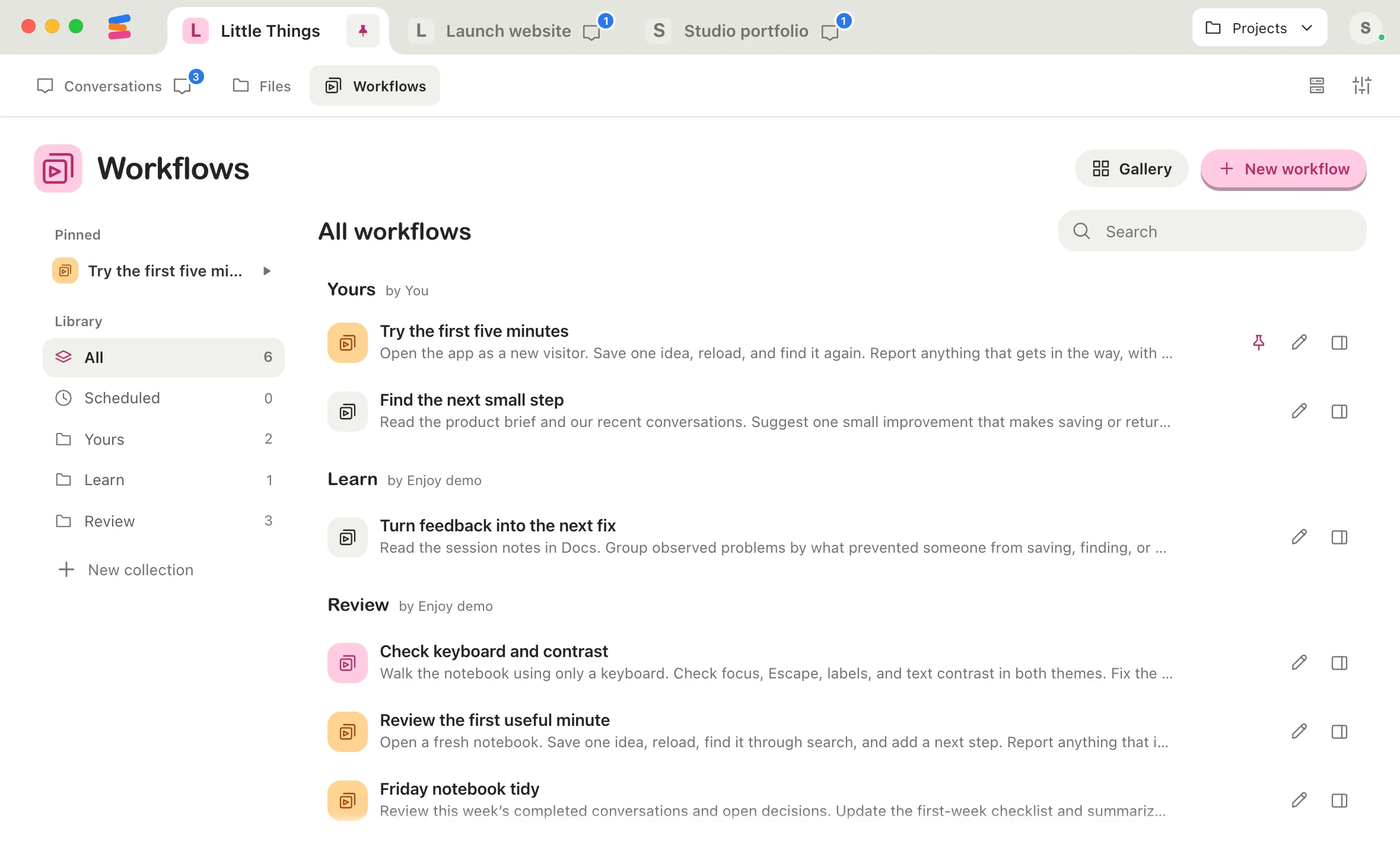
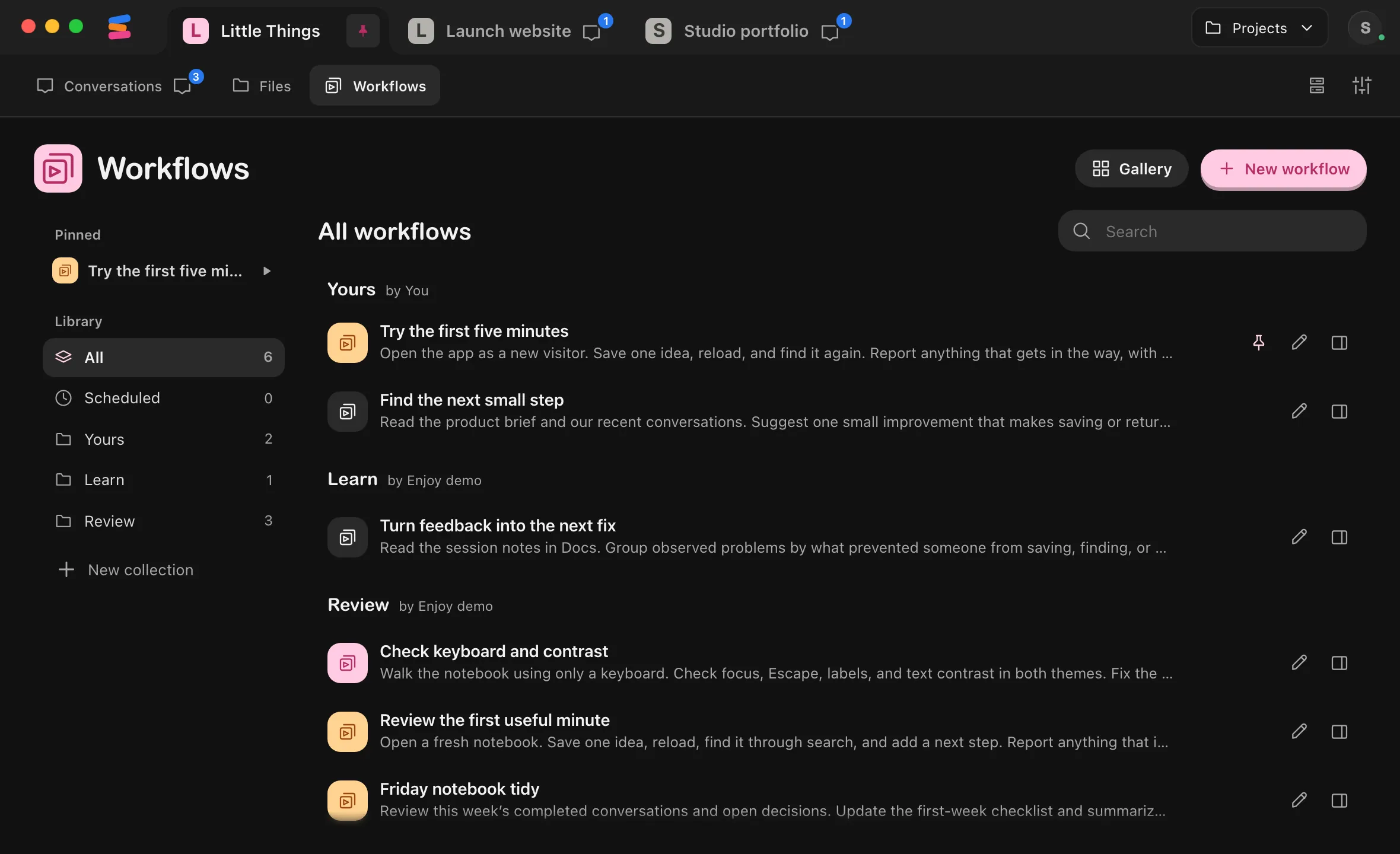
The workflow now appears under Pinned at the top of the sidebar. Select the play button beside it to run it, or select its name to open its details.
Select Duplicate
Point at the workflow’s row and select Duplicate, or select Duplicate at the top of its details. Enjoy saves a copy right away, named after the workflow with “(copy)” at the end. The copy is highlighted in the list, and its details open.
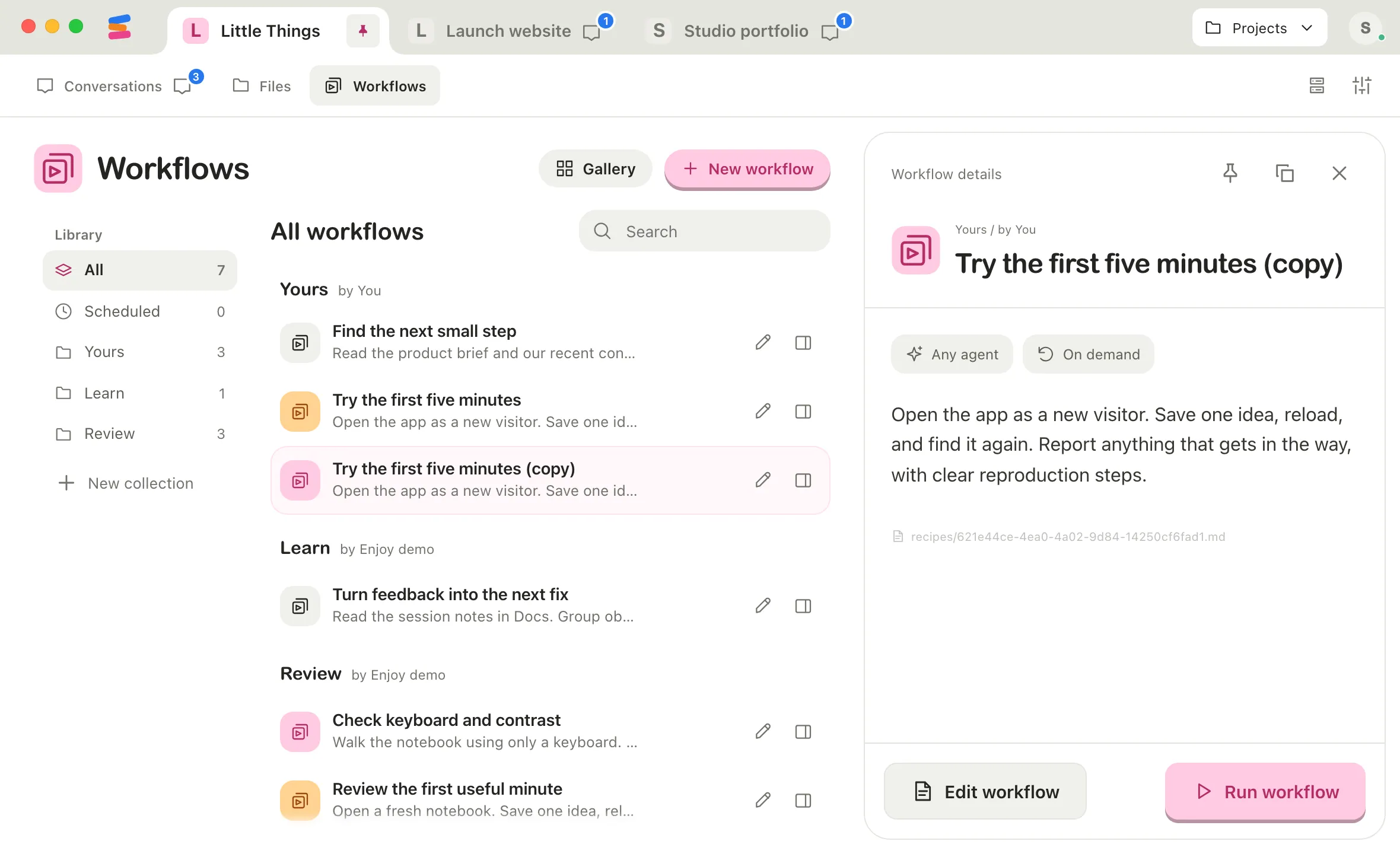
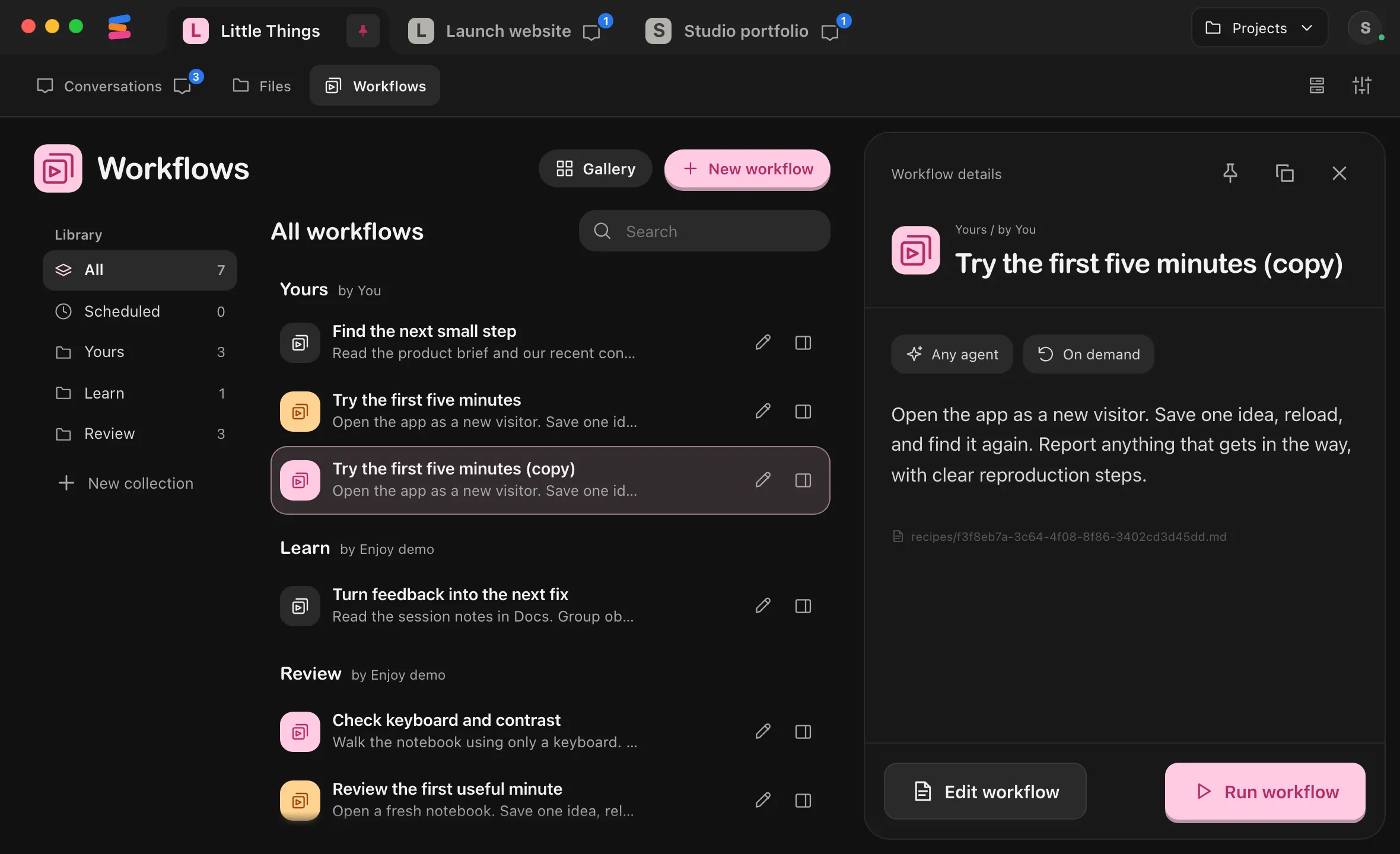
Change the copy
Select Edit workflow in the copy’s details, make your changes, and select Save workflow. The original stays as it was. See Edit a workflow.
Good to know
- Pins stay on this device. They belong to each project and are saved on this device. In the web app, they’re saved in this browser. Other devices, other people, and the iPhone app don’t see them.
- Pinned workflows come first in their collection in the list, and their pin stays visible on the row. Pinned only appears in the sidebar when something is pinned.
- To unpin, select the pin on the workflow’s row again, now named Unpin, or Unpin at the top of its details.
- Deleting a pinned workflow removes its pin.
- A copy has no schedule. It only runs when you start it, even if the original runs on a schedule. To give it one, see Schedule a workflow.
- The copy goes in the same collection as the original, or in Yours when the original is in a collection you can’t add to. It keeps the original’s instructions and preferred agent.
- With View only access to a shared project, you can pin workflows but not duplicate them.
- The iPhone app doesn’t show pins and can’t duplicate workflows.
If something goes wrong
Duplicate is greyed out
You have View only access to the project. Ask its owner for Can work access.