Antigravity in Enjoy.
Antigravity is Google’s coding agent. Enjoy runs it on your computer, signed in with your Google account, on its free weekly quota, or your Google AI Pro or Ultra plan, with every other lab’s agent a click away.
Free for 7 days.Then $14.99 a month. Cancel anytime.
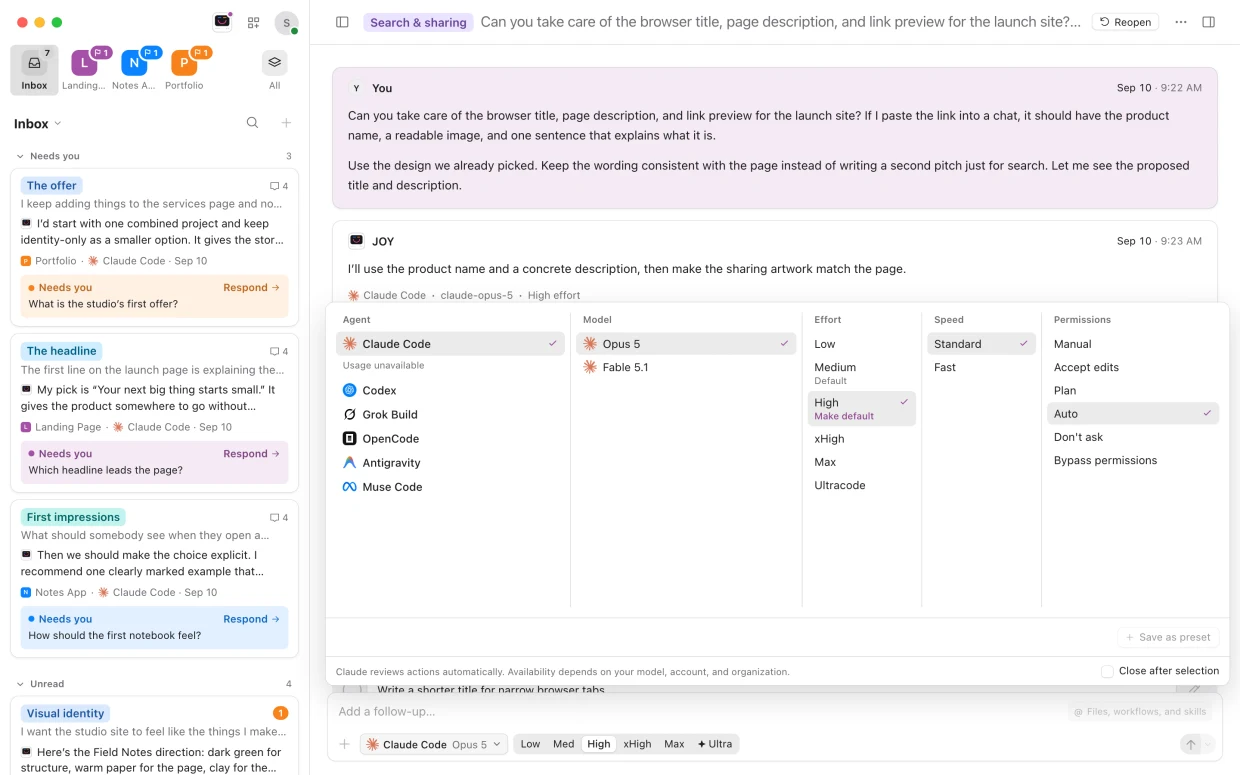
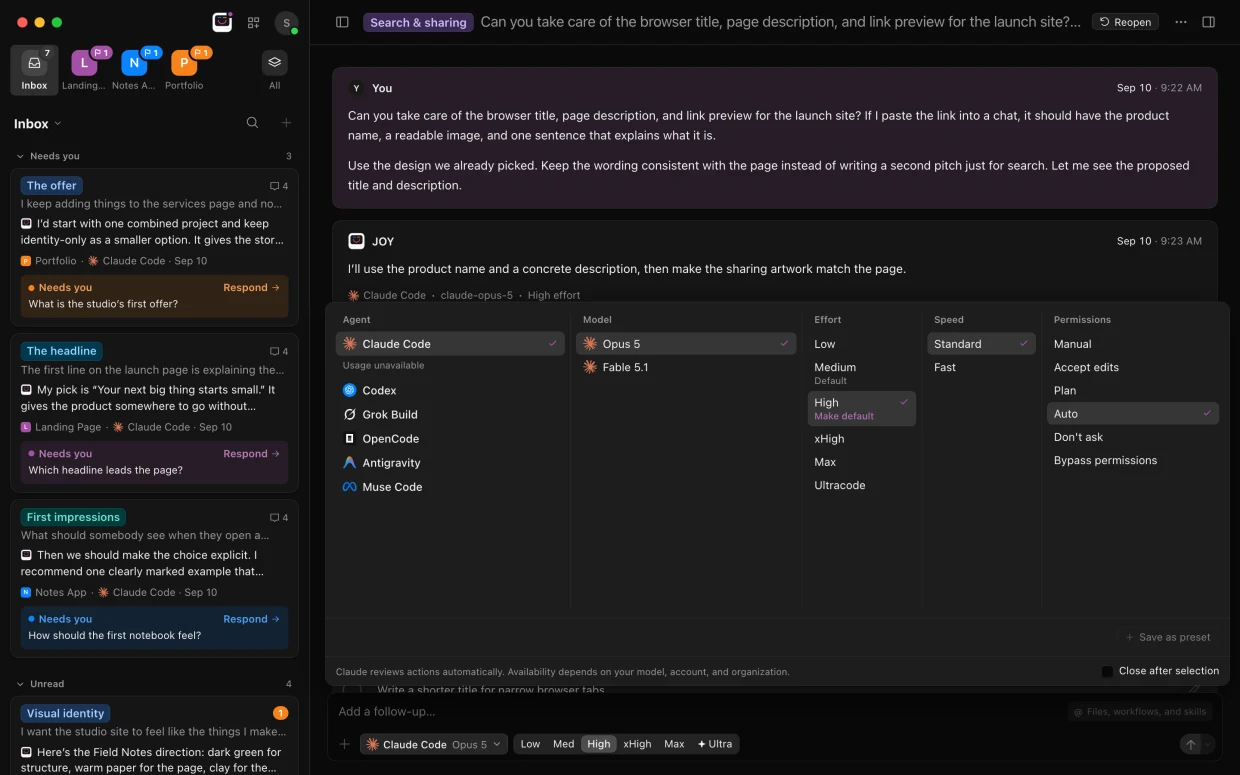
What Enjoy adds.
Hand it to another agent.
Switch to Claude Code or Codex mid-conversation, and it gets the messages it missed.
Usage in view.
See the limits Google shows for each group of models, and when each resets.
Sees what it built.
It opens your site beside the conversation and clicks through it before it calls the work done.
Docs you both write.
Plans and specs live in your project as docs that you and every agent can read and edit.
What Google sees.
Enjoy has no AI model of its own, and never sees your conversations: it hands them straight to Antigravity on your computer. Antigravity thinks with a model on Google’s servers, so what it works on is sent to Google, under Google’s privacy rules and your account settings there.
- Sent to Google
- What Antigravity works on
- Kept on your computer
- Your projects, conversations, docs and workflows