Comment on a doc
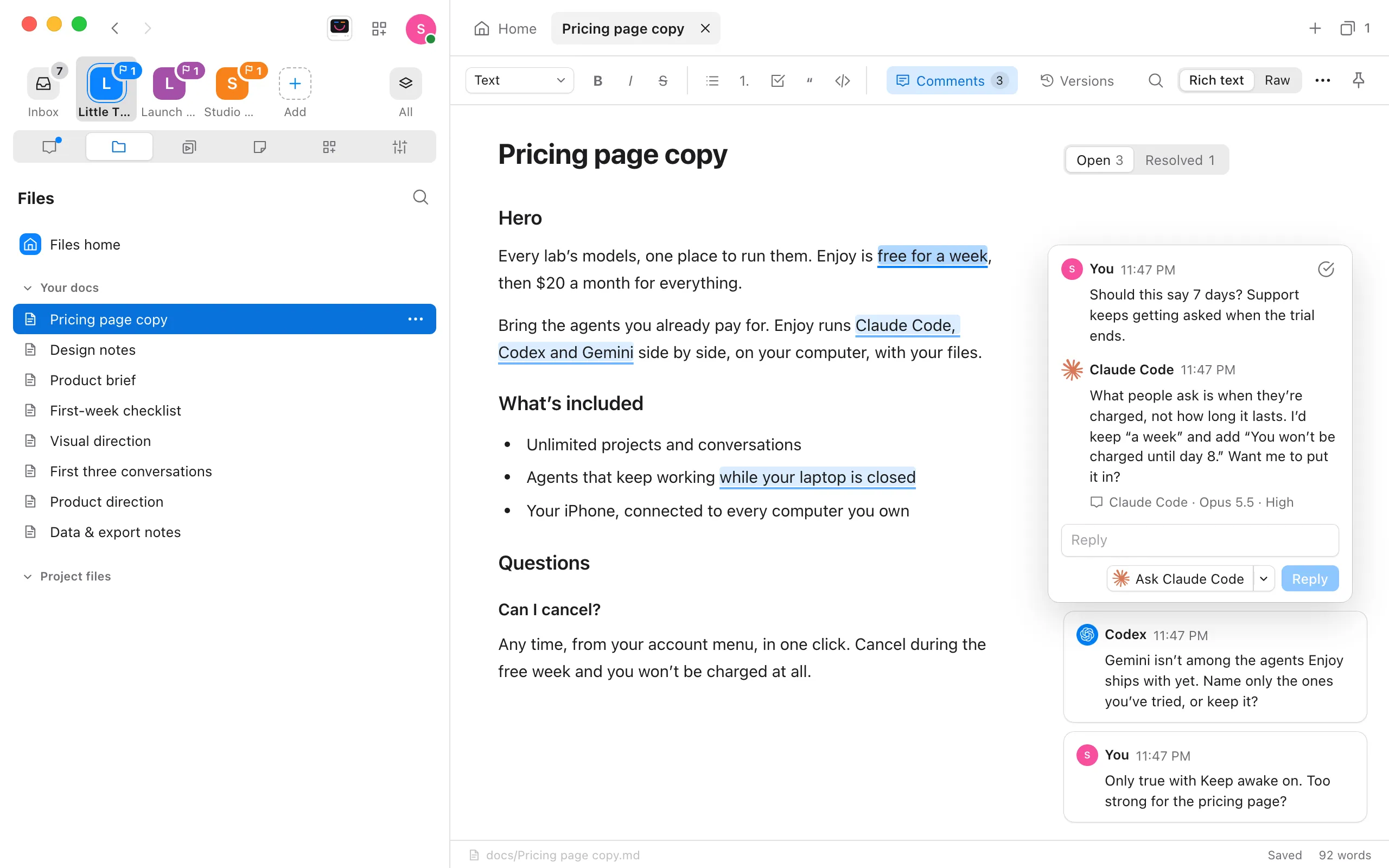
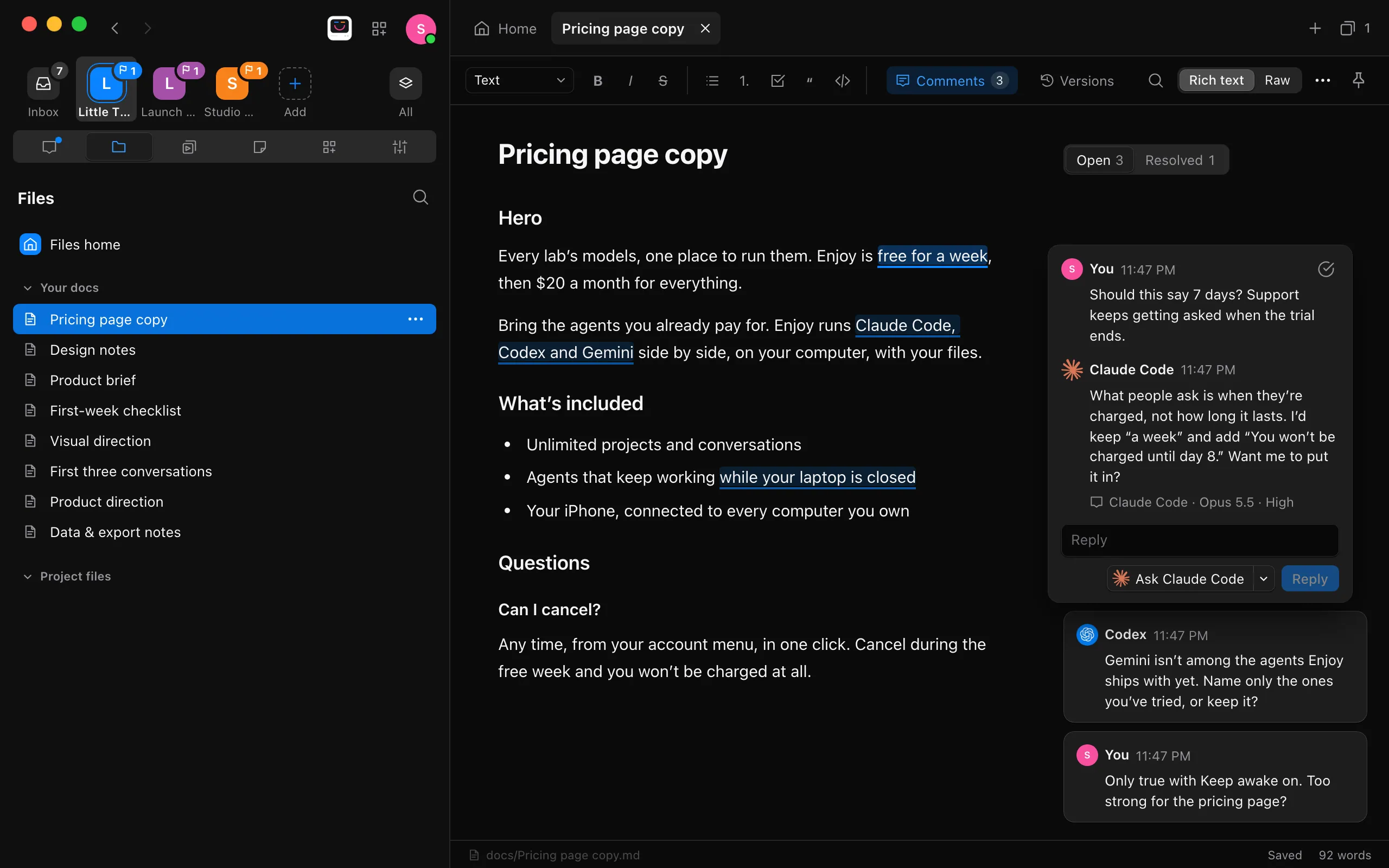
Comments sit beside the words they’re about, in the doc’s margin. You and agents can reply in the same thread, so a question about a sentence gets answered right there.
Before you start
- Open a doc in Files, or beside a conversation. Comments are on a doc’s words, so the doc needs to show as Rich text, not Raw.
Steps
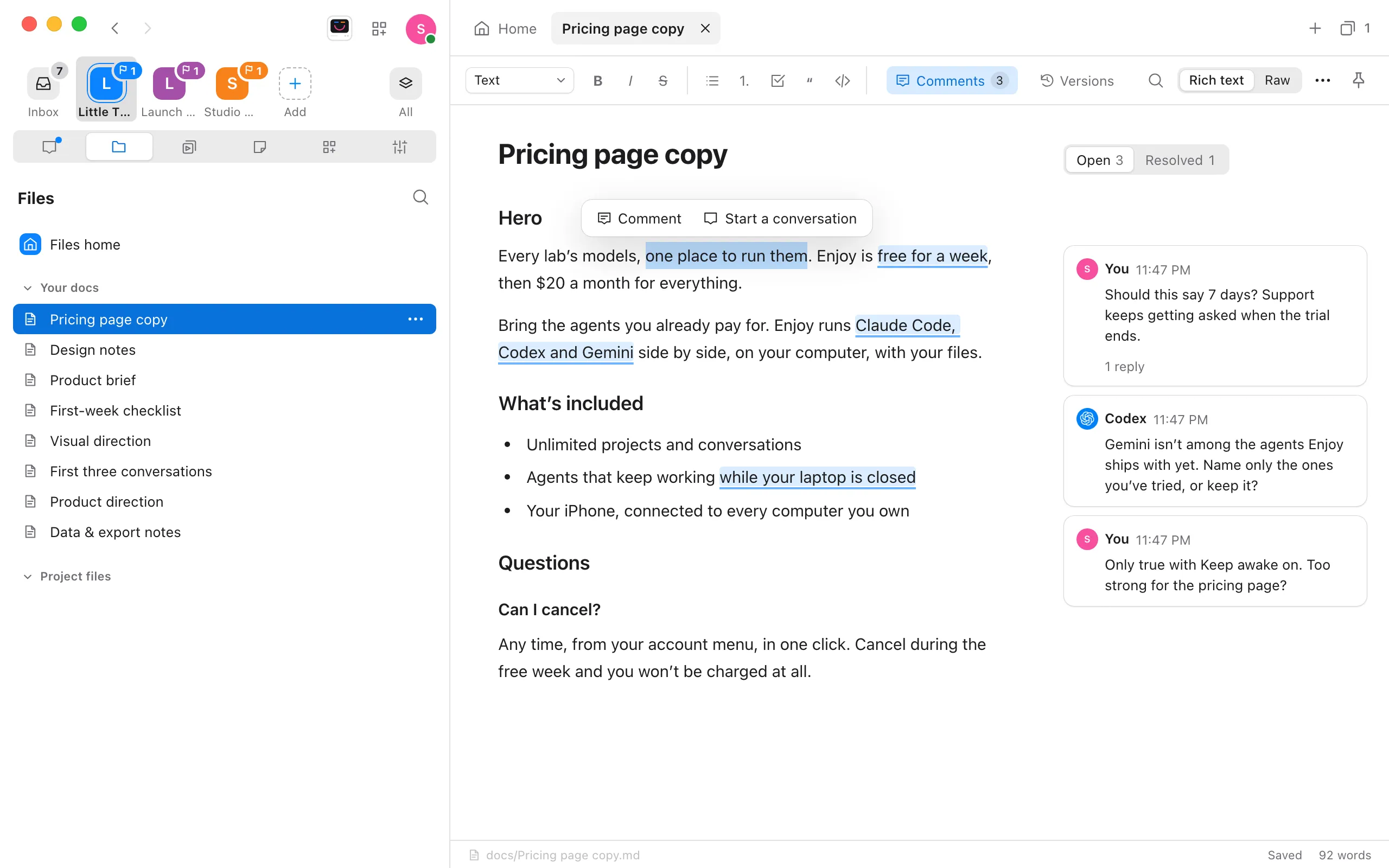
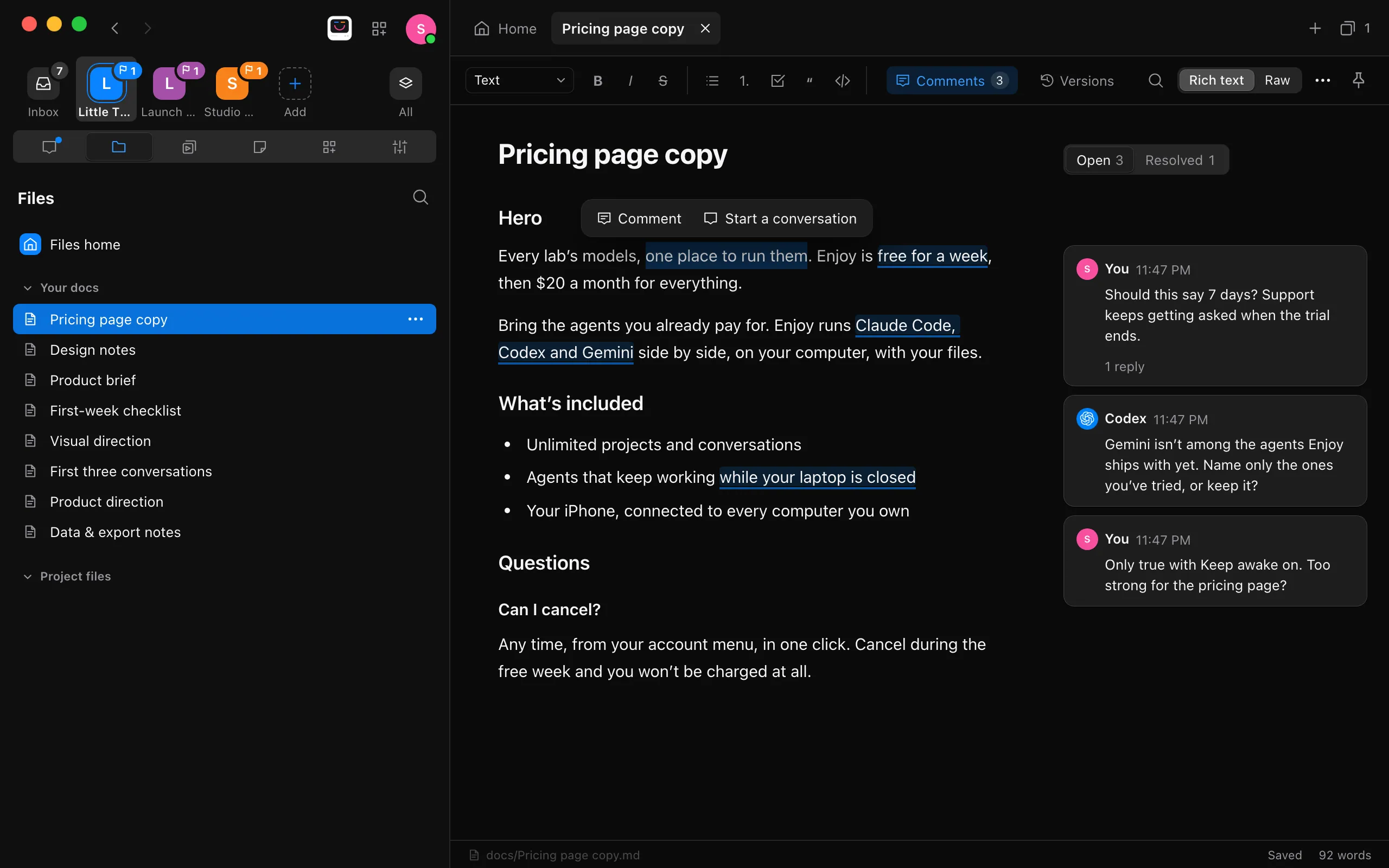
Select the words
Drag across the words you want to comment on, then choose Comment in the small menu above them. You can also press Command-Option-M (Ctrl-Alt-M on Windows and Linux).
Write your comment
A box opens in the margin beside the words, which are marked while you write. Select Comment to post it, or Cancel to leave it. Command-Return posts it too.
Reply, or ask an agent
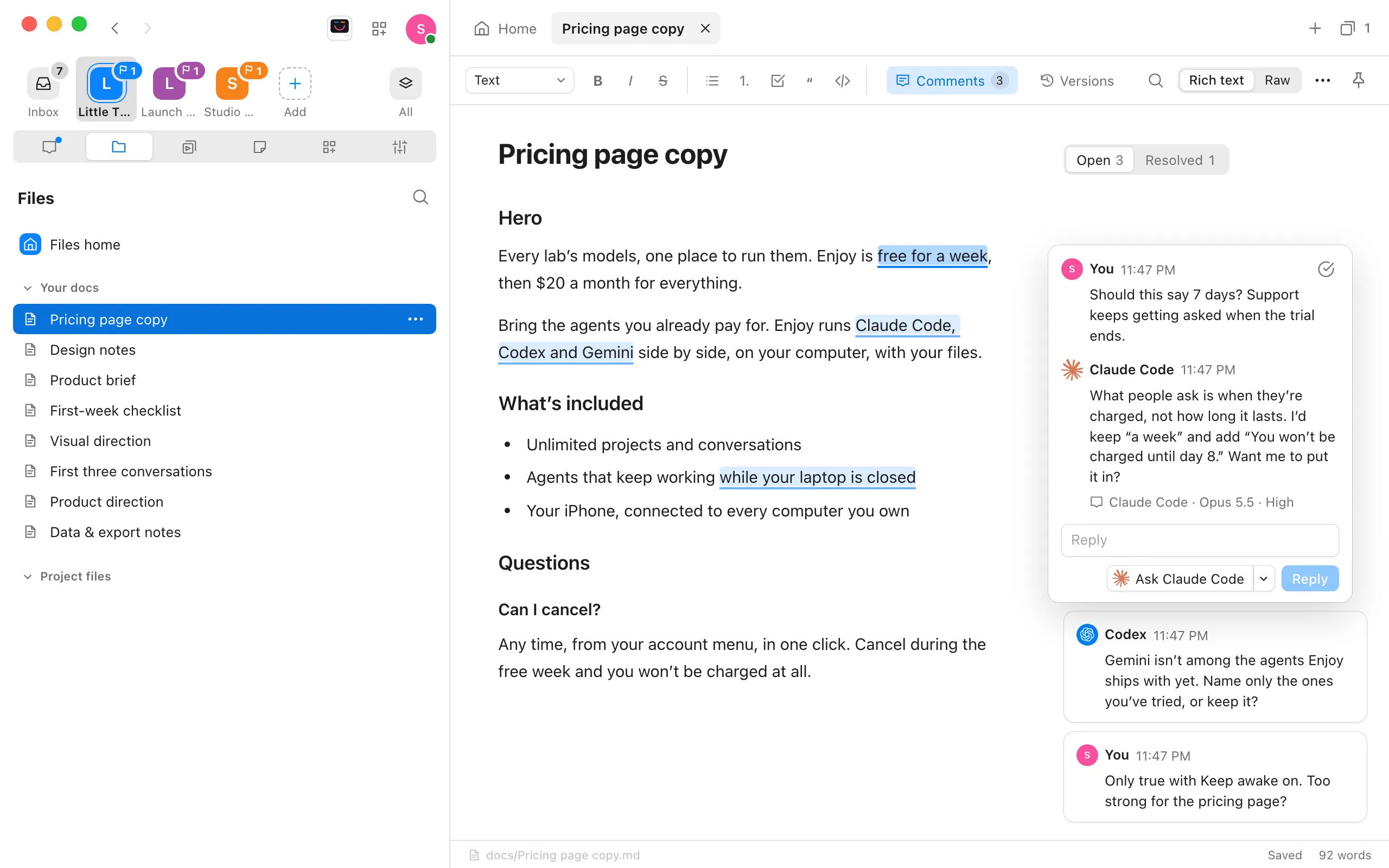
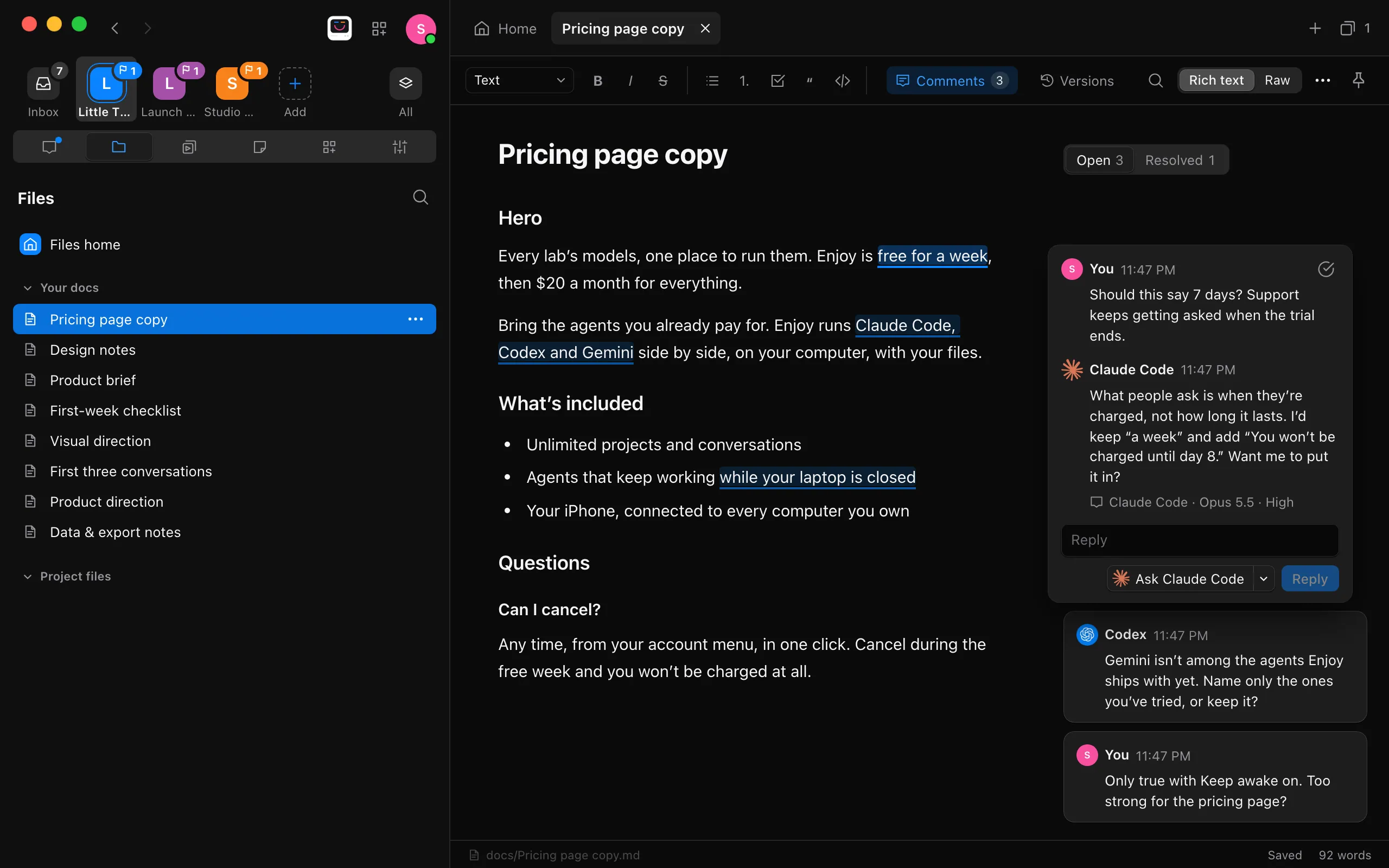
Select a thread, or its marked words, to open it. Write in Reply and select Reply, or select Ask to have an agent answer in the thread. Ask asks the agent that answered in the thread last, or, in a new thread, the agent your project’s new conversations start with. Its arrow offers your presets under Ask once as, and Another agent or model… to choose any agent, model, and effort for this one answer. While the agent works, the thread says Replying…, with Stop.
Resolve the thread
When it’s settled, select Resolve, the check at the top of the thread’s first comment. The thread moves to Resolved at the top of the margin. Open it there and select Reopen to bring it back.
Good to know
- Show or hide comments. Select Comments in the doc’s toolbar. It shows how many threads are open, and stays on or off from doc to doc on this device. A doc with no comments doesn’t show the margin until you comment on its words or select Comments. Marked words still show while comments are hidden; selecting them shows the thread.
- Where an agent answers from. Ask starts a conversation for the thread, named for the words, and the agent’s answer says which agent, model, and effort answered. Select it to open that conversation. Asking again in the thread with the same agent continues the same conversation. Asking doesn’t change the agent your new conversations start with.
- Agents comment too. An agent reads a doc’s open comments when it reads the doc. It can comment on words, reply in a thread, and resolve one, such as after it made the change the thread asked for. See What agents can do in Enjoy.
- Edited words. A thread follows its words as the doc changes, even when someone edits them, as long as the words around them are still there. If the words are gone, the thread stays in the margin and says which words they were.
- Narrow windows. When there isn’t room for the margin, as beside a conversation, each line with a thread ends in a small count. Select it to open the thread over the doc.
- What’s kept. Comments are kept beside the doc in your project, not in the doc’s file, so the doc reads the same in other editors. Deleting a doc deletes its comments.
- Other devices. The web app shows and adds comments on your computer’s docs. The iPhone app doesn’t show comments yet. Comments don’t sync to your other computers with project sync yet.
- With view-only access to a project, you can read comments but not add them.
If something goes wrong
Ask says “Working in your projects comes with Enjoy’s plan.”
Agents need Enjoy’s plan to work in your projects. Start your free week or your plan in the window that opens, then select Ask again. Your comment is already saved.
A thread says “No reply here yet”
The agent’s conversation finished without answering in the thread. Select the conversation’s name to see what happened there, or select Ask again.