Get Unlimited
Unlimited is a monthly subscription that lifts Free’s limits. Every new account starts with seven days of it, without a card. For current prices, see pricing.
Before you start
- You’re signed in to Enjoy on your computer, on Free. During your first seven days you’re on Unlimited already: to keep it, see During your first seven days. See also Free and Unlimited.
Steps
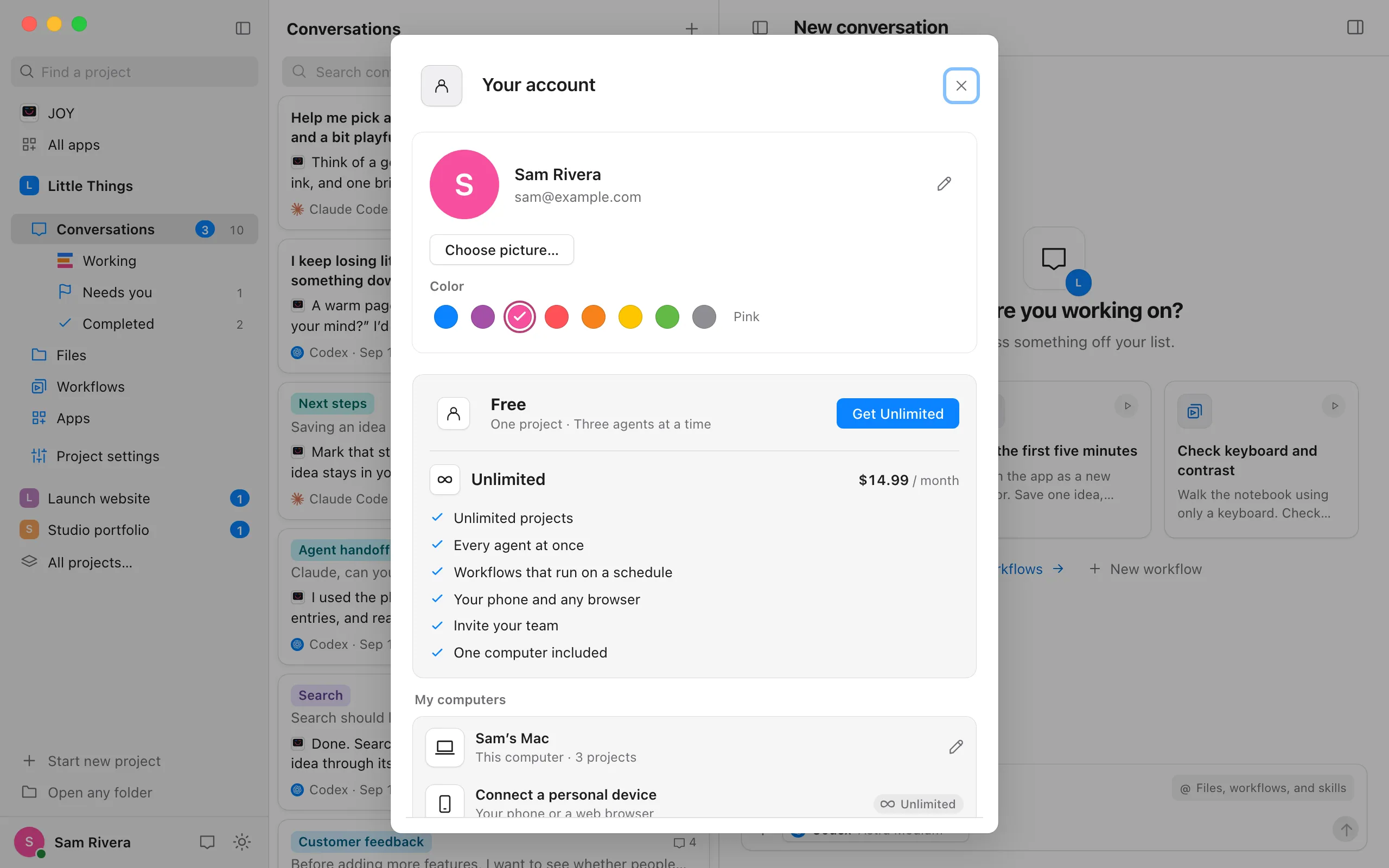
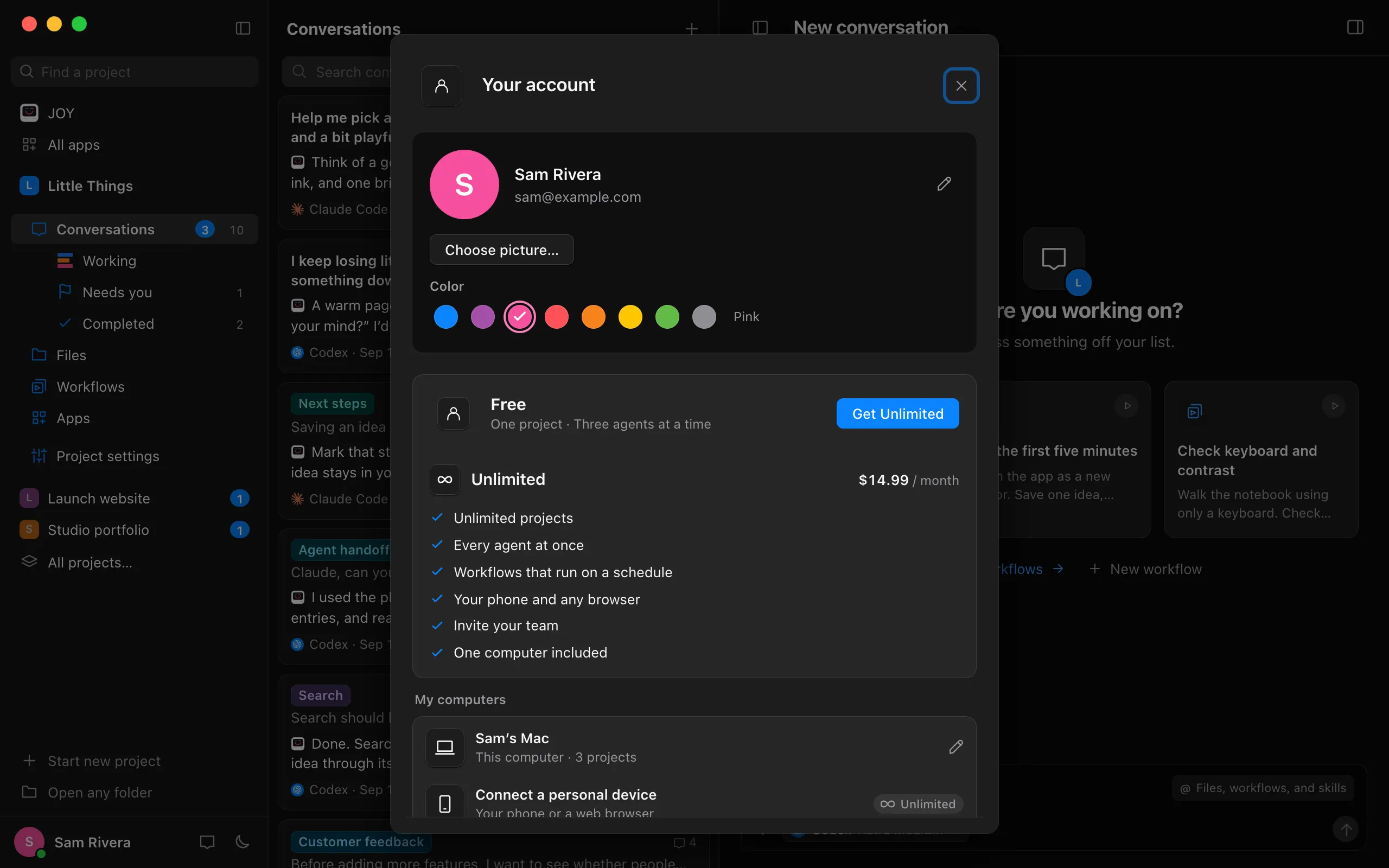
Select Get Unlimited
It’s in Your account, beside Free: select the circle with your initial in the top-right corner of Enjoy. It’s also on the screens where Free reaches a limit, such as a conversation Waiting for an agent, a project faded with a lock, or More projects come with Unlimited.
Finish checkout in your browser
A secure checkout page from Stripe, Enjoy’s payment provider, opens in your web browser. Enter your card details there.
Return to Enjoy
Switch back to Enjoy. When it confirms Unlimited, your account shows Unlimited, and Free’s limits lift on their own: waiting conversations start, every project works, and you can put workflows on a schedule.
During your first seven days
To keep Unlimited when your first seven days end, add a card before then:
- Select Add a card. It’s in the row above your name in the sidebar, which counts your days down, such as Trial · 6 days left. It’s also in Your account, under Unlimited and the day your trial ends.
- Add your card. A secure page from Stripe, Enjoy’s payment provider, opens in your web browser. Enter your card and select Add.
- Return to Enjoy. Your account shows Card added, with the price and the day of the first charge. Nothing is charged before your seven days end.
The reminder Enjoy emails three days before the end has an Add a card button too.
Good to know
- If you have a promotion code, you can enter it on the checkout page.
- Unlimited includes one computer, plus your phone and browsers that connect to it. To run projects on a second computer, see Add another computer to your plan.
- On the website, Get Unlimited on enjoy.dev creates your account, then offers Add a card on Keep Unlimited after your free week. Your card is first charged when the seven days end. Not now goes on to the download.
- To change your card, see invoices, or cancel later, see Manage or cancel your subscription.
If something goes wrong
Enjoy still shows Free after you paid
Enjoy checks your plan again when you return to its window. Switch back to Enjoy and wait a moment. If it still shows Free, open Your account and look again, or see Contact support.
Checkout doesn’t open
Enjoy shows the reason under the button. Check your connection and select Get Unlimited again. If it keeps happening, see Fix connection problems.