'%3e%3crect%20x='128'%20y='122'%20width='263'%20height='88'%20rx='36'%20fill='%232878ef'/%3e%3c/g%3e%3cg%20transform='rotate(7%20237%20258)'%3e%3crect%20x='128'%20y='215'%20width='216'%20height='82'%20rx='34'%20fill='%23f58220'/%3e%3c/g%3e%3cg%20transform='rotate(-5%20259%20350)'%3e%3crect%20x='128'%20y='304'%20width='264'%20height='88'%20rx='36'%20fill='%23ed438b'/%3e%3c/g%3e%3c/svg%3e)
Move your Lovable project to Enjoy
Your Lovable app is regular code. Download it, open the folder in Enjoy, and keep building with Claude Code or Codex.
- About 15 minutes
- A GitHub account on the Free plan
- Mac, Windows, or Linux

Get your code out of Lovable
Download your code
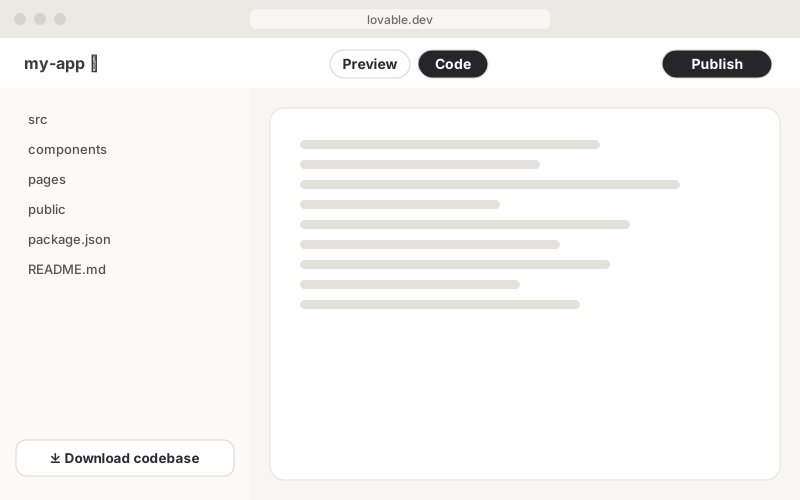
Open your project and click Code in the toolbar. At the bottom of the file list, click Download codebase. Unzip it somewhere easy to find, like your Documents folder.
On the Free plan? Use GitHub
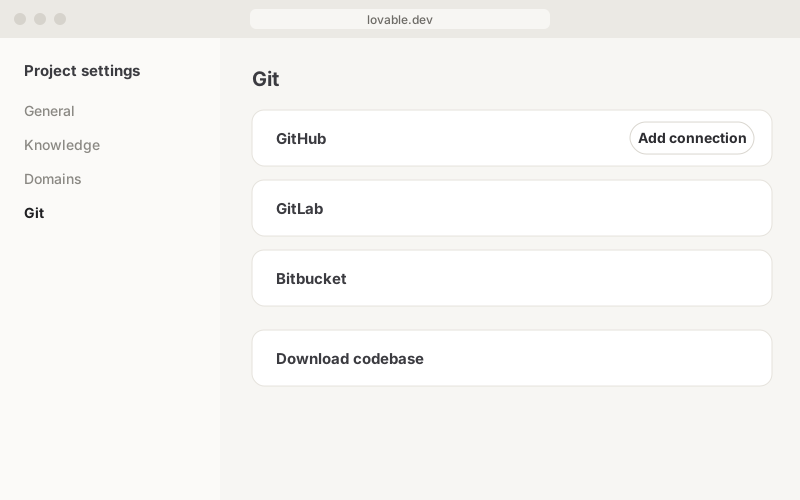
Click your project’s name, then the gear to open Project settings. Go to Git → GitHub, add your GitHub account, and click Connect. Lovable creates a private repository. On GitHub, click Code → Download ZIP.
Have your API keys ready
Lovable never shows saved secrets, so they don’t come with the code. If your app uses services like Stripe or OpenAI, get those keys from each service’s dashboard.
Your project is now a folder on your computer.
Set up in Enjoy
Get Enjoy
Download Enjoy for Mac, Windows, or Linux. Open it and create your Enjoy account.
Download EnjoyConnect your agent
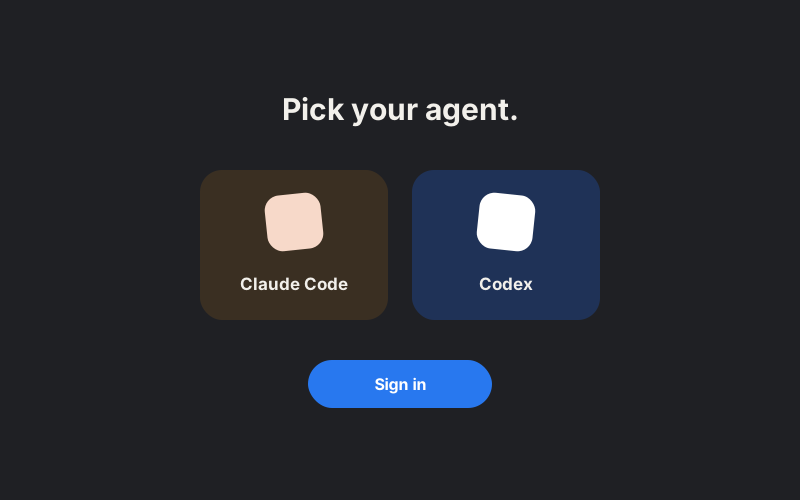
Pick an agent like Claude Code or Codex. Enjoy installs it and helps you sign in with your Claude or ChatGPT account.
Open your project
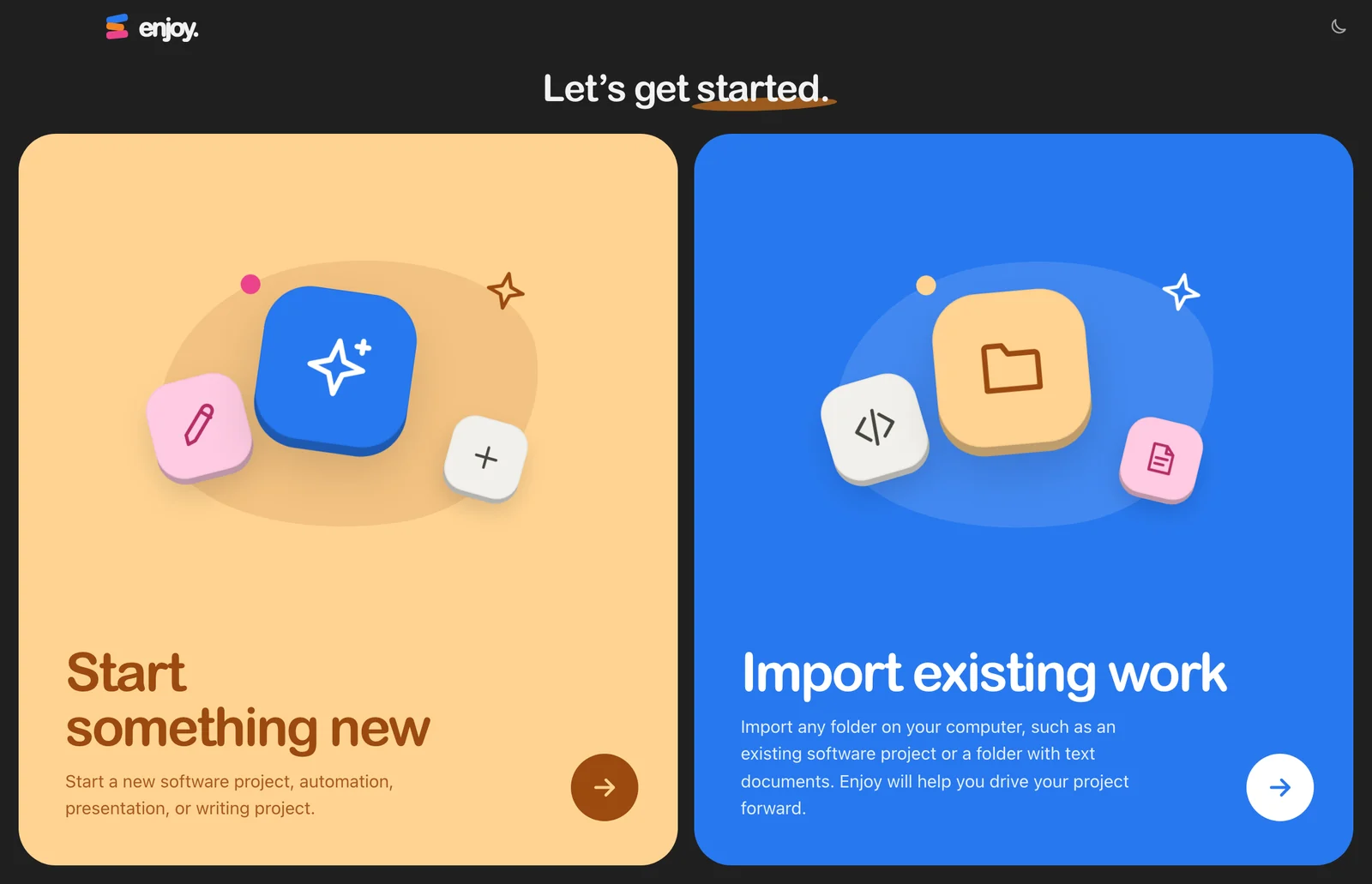
Choose Import existing work and select your project folder. Already using Enjoy? Choose Open any folder from the project menu.
Add your secrets
Ask your agent to set up a
.envfile. Open it in Files and paste your secrets there, not in the chat.Ask your agent to run it
Start a conversation and send:
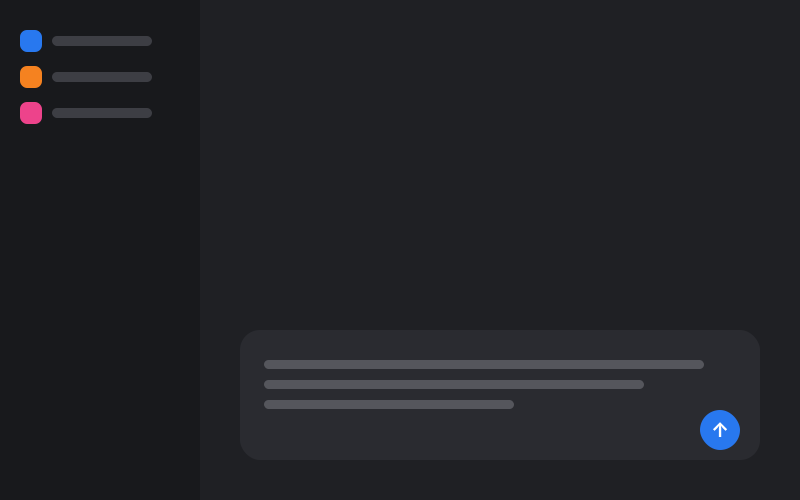
This app was built with Lovable. Install what it needs, start it, and open the preview. Tell me which keys or settings are missing.
A few things stay behind
- Database and users
Your app keeps using Lovable Cloud, even on your computer, so changes are live. To keep your own copy, open Cloud → Overview → Advanced settings and export your data.
- Your live site
Your lovable.app site stays up until you unpublish it. Your agent can help you host it somewhere else.
- Lovable AI and connectors
They may stop working outside Lovable. Your agent can switch them to your own API keys.
Something look different?
I don’t see Download codebase
It’s on paid plans. On the Free plan, use the GitHub step instead.
Sign-in doesn’t work on my computer
In Lovable, open Cloud → Users → Auth settings and add http://localhost:8080 to your redirect URLs.
I want to keep editing in Lovable too
Use the GitHub step, then clone the repository with GitHub Desktop instead of downloading a ZIP. Changes on the main branch sync both ways.
Checked against Lovable’s docs on September 29, 2026: Code mode · GitHub · Advanced settings · Hosting and ownership
Ready to move in?
Want a hand? Book a free 15-minute call and we’ll set up your first project together.
7 days free · then $14.99/month
Free · 15 minutes with Mo