'%3e%3crect%20x='128'%20y='122'%20width='263'%20height='88'%20rx='36'%20fill='%232878ef'/%3e%3c/g%3e%3cg%20transform='rotate(7%20237%20258)'%3e%3crect%20x='128'%20y='215'%20width='216'%20height='82'%20rx='34'%20fill='%23f58220'/%3e%3c/g%3e%3cg%20transform='rotate(-5%20259%20350)'%3e%3crect%20x='128'%20y='304'%20width='264'%20height='88'%20rx='36'%20fill='%23ed438b'/%3e%3c/g%3e%3c/svg%3e)
Bring your Claude Code projects to Enjoy
Your Claude Code projects already live on your computer. Open the same folders in Enjoy and bring your conversations along.
- About 5 minutes
- Your Claude account
- Mac, Windows, or Linux

Find your project folder
Started in a terminal?
Your project is the folder you run
claudein. To check, type!pwdin Claude Code.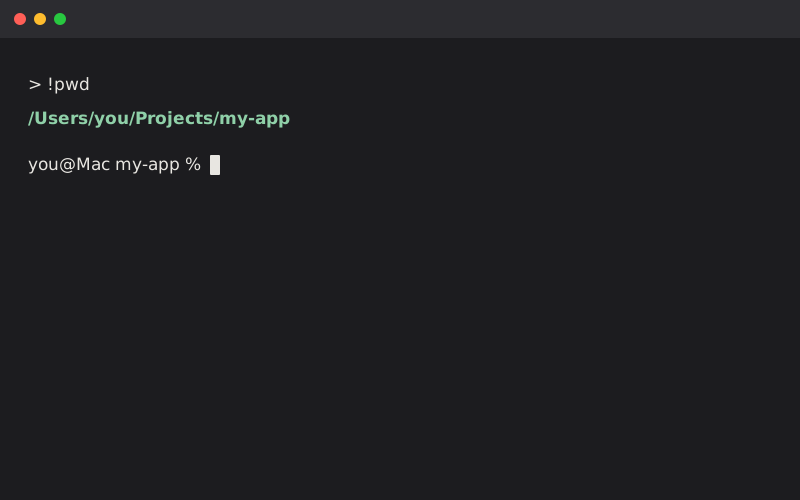
Using the Claude app?
In the Code tab, type
/resume. Select a session to see its Folder.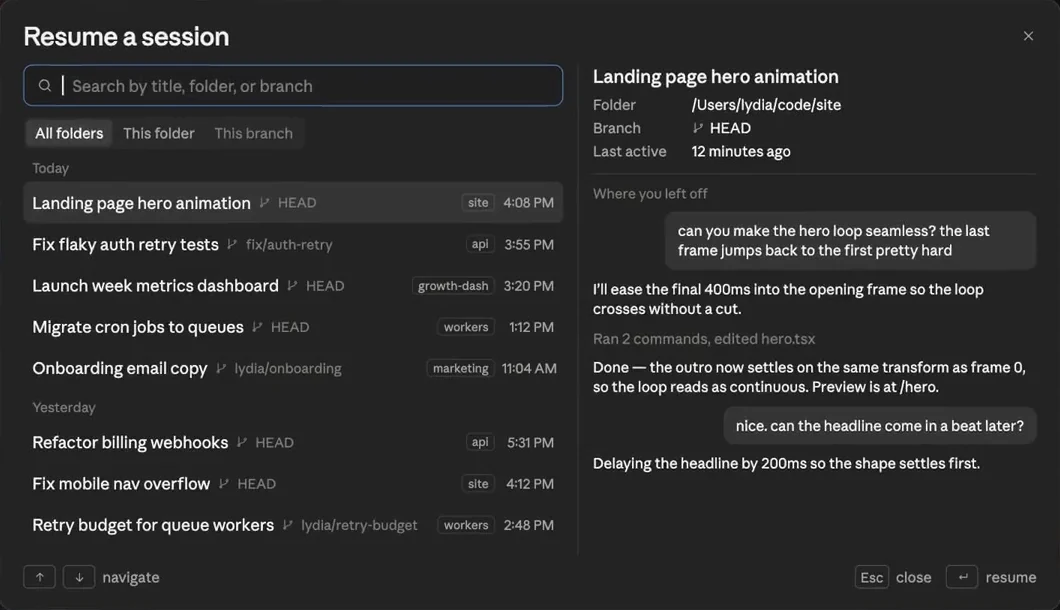
Screenshot: Claude Code docs Working in the cloud?
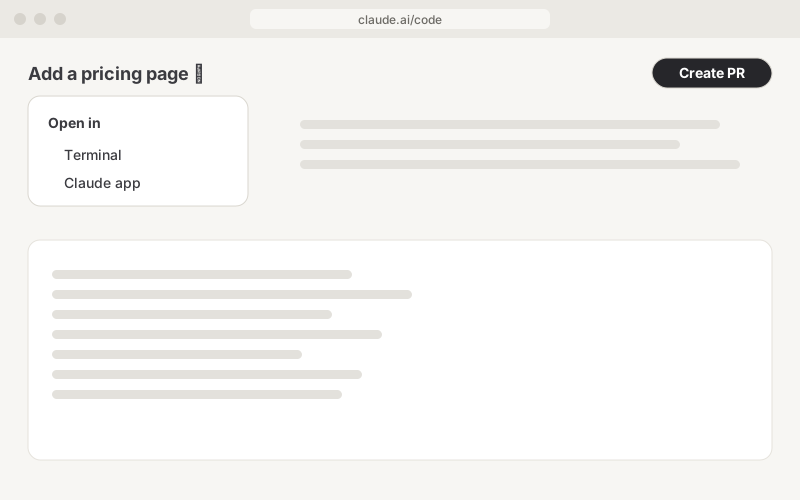
Cloud sessions change a GitHub repository. Click Create PR, merge it, then download the repository. Or choose Open in → Terminal to continue on your computer.
Now you know which folder to open.
Set up in Enjoy
Get Enjoy
Download Enjoy for Mac, Windows, or Linux. Open it and create your Enjoy account.
Download EnjoyConnect your agent
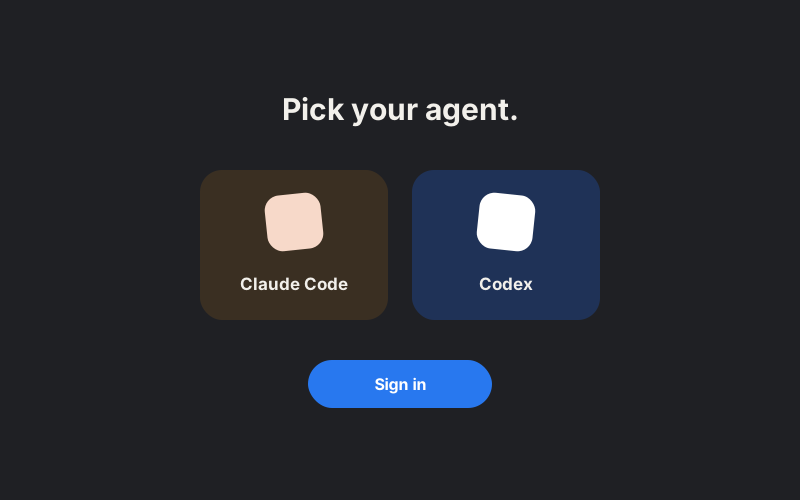
Already signed in to Claude Code? Enjoy finds it on its own. Otherwise, it helps you install it and sign in.
Open your project
Choose Import existing work and select your project folder. Already using Enjoy? Choose Open any folder from the project menu.
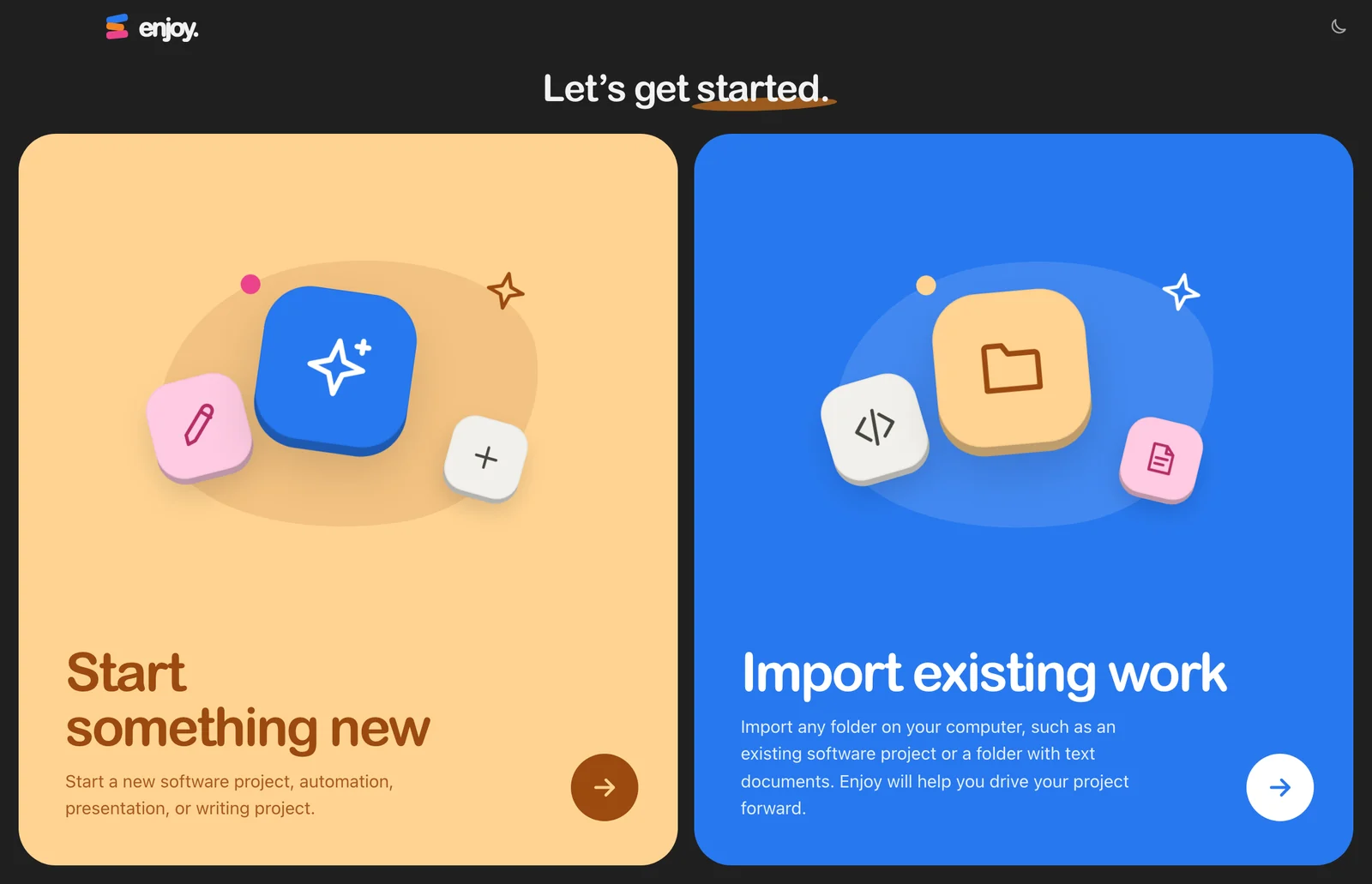
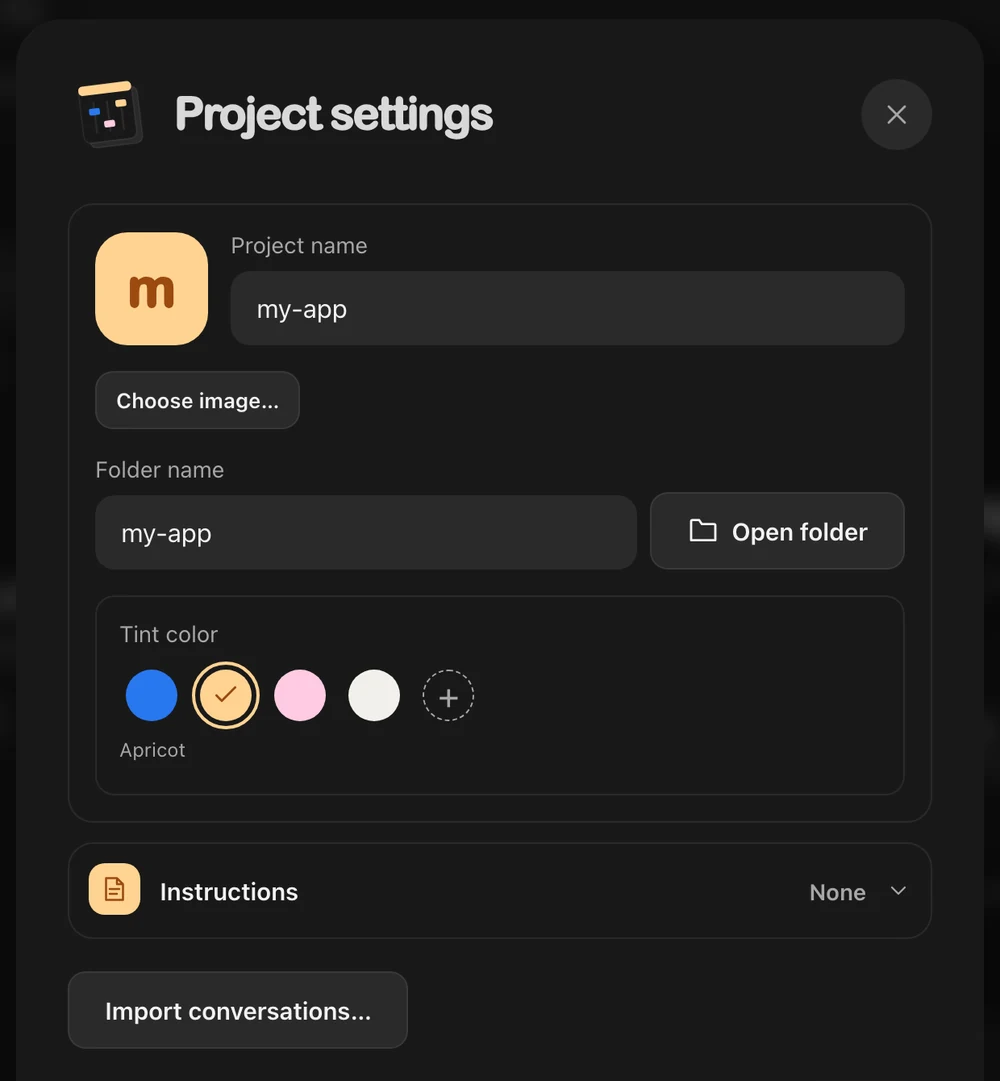
Bring your conversations
Open Project settings and click Import conversations… to choose the Claude Code conversations to keep.
Pick up where you left off
Start a conversation and send:
Take a look around this project and summarize where we left off.
A few things stay behind
- Hooks
Enjoy runs Claude Code with hooks turned off. Your CLAUDE.md still applies.
- Older conversations
Claude Code deletes terminal conversations after 30 days unless you changed that setting.
- Cloud sessions
Their conversations stay on claude.ai until you open them in a terminal.
Something look different?
No conversations were found
Open the exact folder you ran claude in. Sessions from subfolders and worktrees don’t match.
Enjoy asks me to sign in again
Run claude auth login in your terminal. Enjoy notices within a few seconds. Step-by-step sign-in help
Checked against Claude Code’s docs on September 29, 2026: Sessions · Desktop app · Cloud sessions · Data retention
Ready to move in?
Want a hand? Book a free 15-minute call and we’ll set up your first project together.
7 days free · then $14.99/month
Free · 15 minutes with Mo